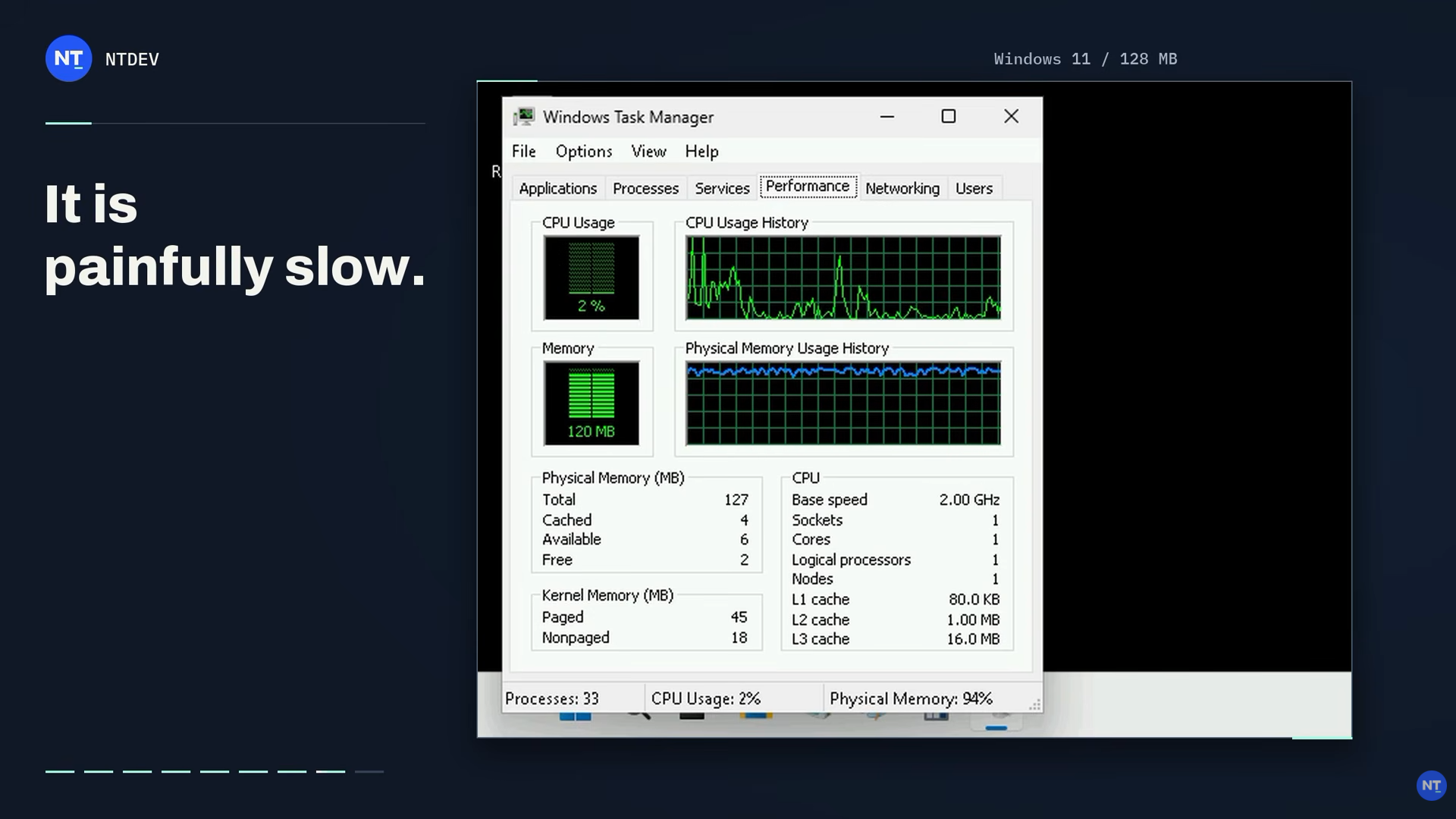
NTDEV, the popular developer behind the Tiny11 project, has once again pushed the limits of just how little hardware is required to run Windows 11. In a video shared on YouTube, the developer claims to have successfully booted the latest Windows 11 26H2 on a system with just 128MB of RAM. Despite severe memory constraints, the heavily stripped-down installation manages to load the Desktop and File Explorer, access the Start menu, and even run the classic Notepad app.
While it is an impressive achievement, the developer acknowledges that the system is "painfully slow," making this more of a technical experiment than a practical way to run Windows 11 on older hardware. According to Microsoft’s official requirements, Windows 11 requires at least 4GB of RAM, meaning NTDEV's latest experiment uses just 3.125% of the recommended minimum. The developer has not shared a detailed breakdown of every component removed or disabled to achieve the result, but the project builds on years of experimentation with stripped-down Windows installations.
This is not NTDEV's first attempt at pushing Windows 11 beyond its usual hardware limitations. Back in 2023, the developer managed to get the operating system running with only 176MB of RAM by extensively trimming its system components, drivers, and background services. That experiment relied on an IDE storage interface to reduce the number of drivers required, and sacrificed the standard Windows desktop environment.
Last month, the developer showcased another interesting experiment that squeezed an entire Windows 11 installation into a CD-ROM-sized ISO file. The experimental build created using the developer's upcoming Pico11 tool weighs in at 699,811,840 bytes and retains a functional Windows desktop. The stripped-down version of Windows 11 successfully boots into the desktop environment and runs basic applications such as Calculator, Settings, Notepad, and Paint. The test was conducted on a virtual machine with 4GB of allocated RAM, with the operating system using around 883MB.
Such experiments are a great way to showcase just how much of Windows can be stripped away while still retaining some of its core functionality. At the end of the day, they are primarily technical demonstrations with the intention of exploring the limits of Microsoft's operating system rather than providing practical alternatives to a standard Windows installation. Stripping away essential components, drivers, and background services comes with significant trade-offs, including reduced functionality, compatibility issues, and severely degraded performance.