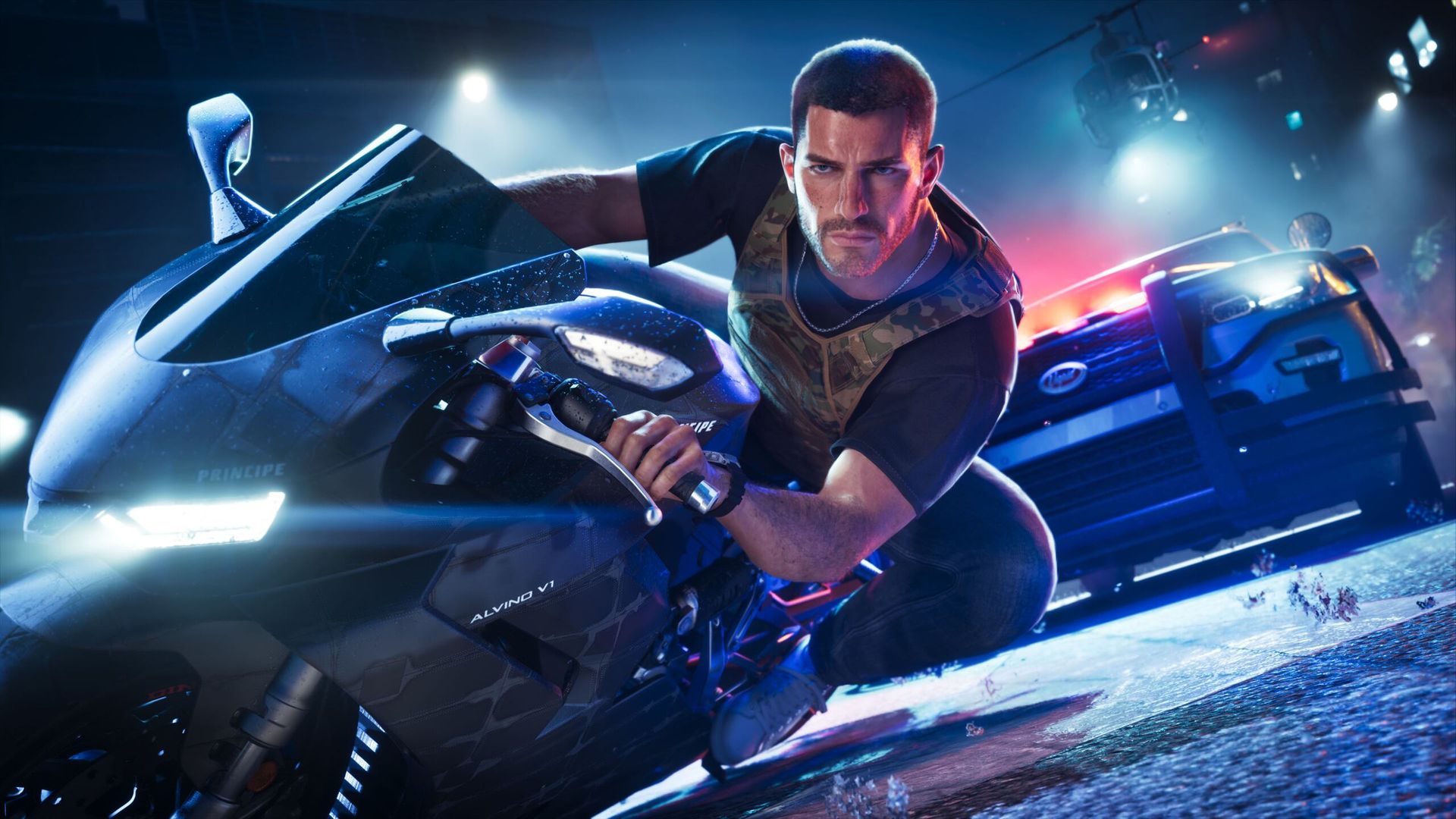
- GTA 6 has provoked a lot of discussion about console frame rates, particularly around the PS5
- The PS5 Pro offers a rock-solid 30fps, leveraging PSSR2 to great effect
- As well as the controversy about base PS5 performance, another topic of debate is whether to use motion blur with OLED TVs
GTA 6 is out, and everyone is playing it – well, a vast army of console gamers are, anyway – and there's been a lot of chatter about PS5 performance in particular, one aspect of which I feel bears closer examination: motion blur.
Before I come back to that, let's talk about overall performance. Digital Foundry (DF) conducted a deep dive into the frame rates and smoothness of GTA 6 across consoles, and its conclusion was that the PS5 Pro is the best way to play, followed by the base PS5 and Xbox Series X, which are roughly even. Both the latter still "play well" according to DF, with the caveat of "occasional minor frame-rate drops during regular play and a softer 1440p image".
What makes the PS5 Pro the clear winner is PSSR2 upscaling that produces a "4K-like image quality", and there's also a "noticeable visual upgrade thanks to ray-traced shadows".
Perhaps more crucially, PS5 Pro gamers get a smoother and more stable frame rate, with GTA 6 remaining steadfastly at 30fps – as DF observes, it's an "unwavering 30fps lock with perfect frame pacing".
What's crucial here is that 1% lows – where the game dips to its very slowest frame rates – are much better with the PS5 Pro, which combats any big judders and leads to a smoother gaming experience.
As we've previously been told, this is why Rockstar made the decision to stick with 30fps even on the PS5 Pro, and not try to force a 40fps mode – because that more robust feel for the frame rate was more important. Particularly when it comes to high-speed street races, for example, which is a slight weak point that some gamers are concerned about if they're playing on the base PS5.
Motion blur: should you enable it, and if so, at what level?
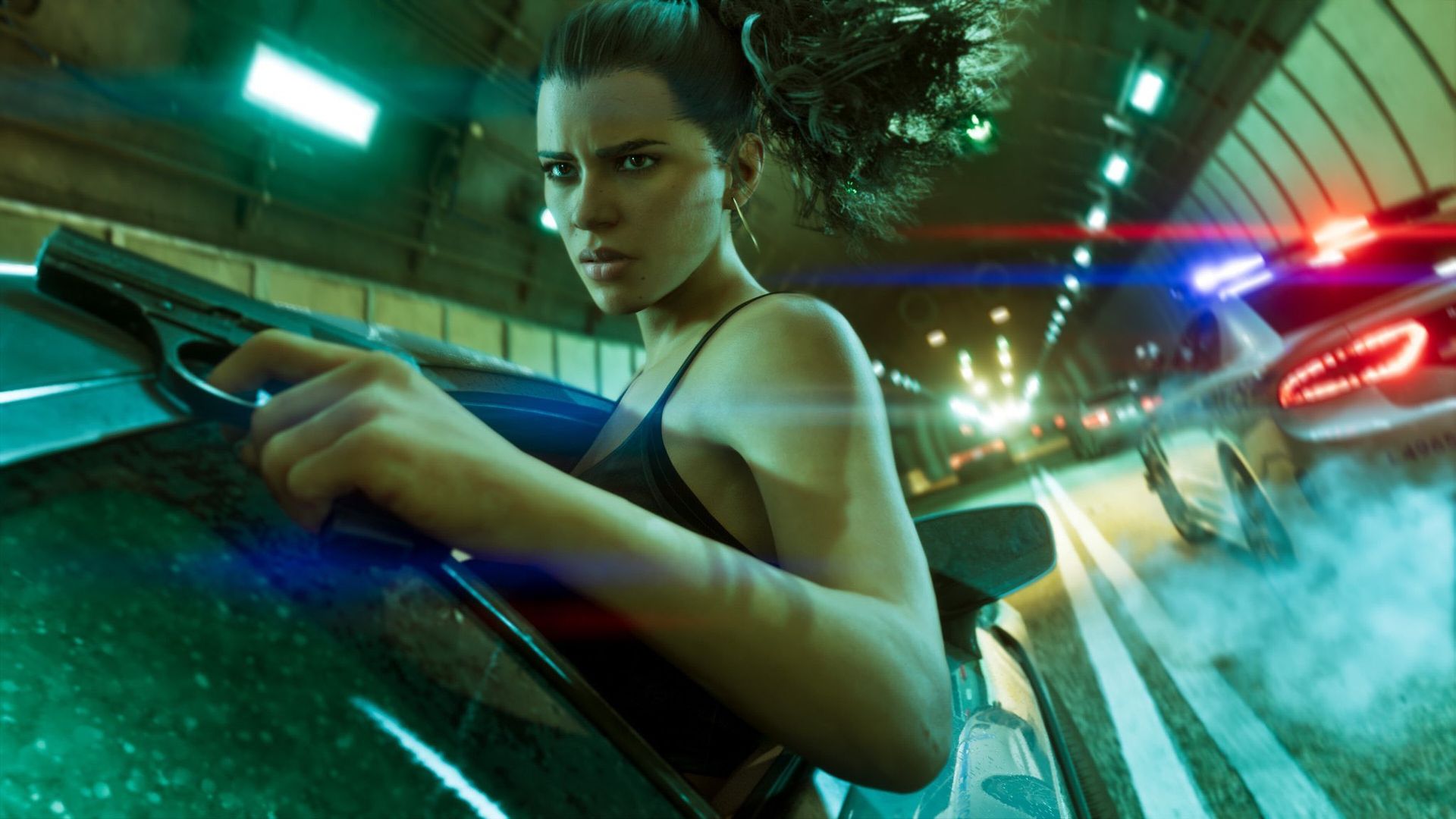
There's an interesting wrinkle here, though, and that's the topic of motion blur as mentioned at the outset. The issues therein are neatly encapsulated by a discussion I stumbled across on the PS5 Pro subreddit, one that urges owners of that console to "Disable Motion Blur" (in all-caps just to make the point very clearly).
The Redditor advises that turning off motion blur "significantly improves the image quality and blurriness when looking at objects far away", adding that: "At first I was like why is there so much blurriness on my [PS5] Pro? Disabled it and woah looked insane."
Before you start heading for the graphics options (Settings > Display) on GTA 6, there's a bit more to this than simply turning off motion blur (by setting it to zero) and you're good.
As another gamer immediately argues back, this isn't necessarily good advice for those with an OLED TV, where motion blur helps 30fps games. Why? OLED screens work differently to LCDs, with much faster (almost instant) response times, but this can actually be a drawback at a lower frame rate (like 30fps). It creates a touch of choppiness, and motion blur actually helps to smooth out that very slight stuttering. (Note that with 60fps gaming, this isn't an issue – it's just with lower frame rates).
That said, your mileage may vary, and other GTA 6 players with OLED TVs have chipped in to this thread to state that they aren't seeing any such stuttering without motion blur.
One Redditor notes: "I would usually agree [that motion blur is needed for OLED] but I'm loving the 0 motion blur on my LG CX right now. Feels way more responsive, and with the stable frame pacing, the stutters are not nearly as noticeable as opposed to most other games where my eyes hurt."
So, it seems that the rock-solid stability of the frame rate of GTA 6 on the PS5 Pro means that at least for some, the countermeasure of motion blur for OLED isn't needed – at least subjectively.
In the end, there's a simple way to proceed: try GTA 6 with motion blur, and without the setting (preferably in fast-action scenes), and see how you feel about it. Note that there are different levels of motion blur if it's enabled, and there's quite a bit of disagreement as to how high you should go. Some suggest higher values for an OLED, others feel a middling level of motion blur (4 to 6) is about right.
Again, this is likely subjective, but the key takeaway is to try different levels of motion blur, and turning it off (to zero), and see which you feel strikes the best balance between smoother gaming and better image clarity.
Meanwhile, as these console performance discussions unfurl, some PC gamers on Reddit are quite happily gloating that the PC port is going to be the best way to play GTA 6 when it arrives, particularly due to the observations about the frame rate on the base PS5 console and Xbox. That's caused quite some controversy, as you might imagine – DF is far from saying that the base PS5 version of the game provides a subpar frame rate.
That said, the way that GTA 6 runs on the PS5 Pro certainly indicates that the PC version is going to be spectacular, especially for those with beefier rigs – you'll just have to be patient for it (although perhaps the wait won't be as long as you might think).
If you're mulling the prospect of buying the game for your console, check out our guide to the best prices for GTA 6 right now.